The dream of the digital nomad life often involves a picture-perfect sunset and a laptop on a picnic table. But if you’ve actually tried to attend a high-stakes Zoom meeting while your neighbor runs a wood chipper or your toddler wanders toward a steep embankment, you know the reality can be different.
To make this lifestyle sustainable, we have to move past “camping” and start thinking about “site management.” I’m going to teach you how to evaluate a campsite not just for its beauty, but for its utility as a functional, safe, and productive family office.
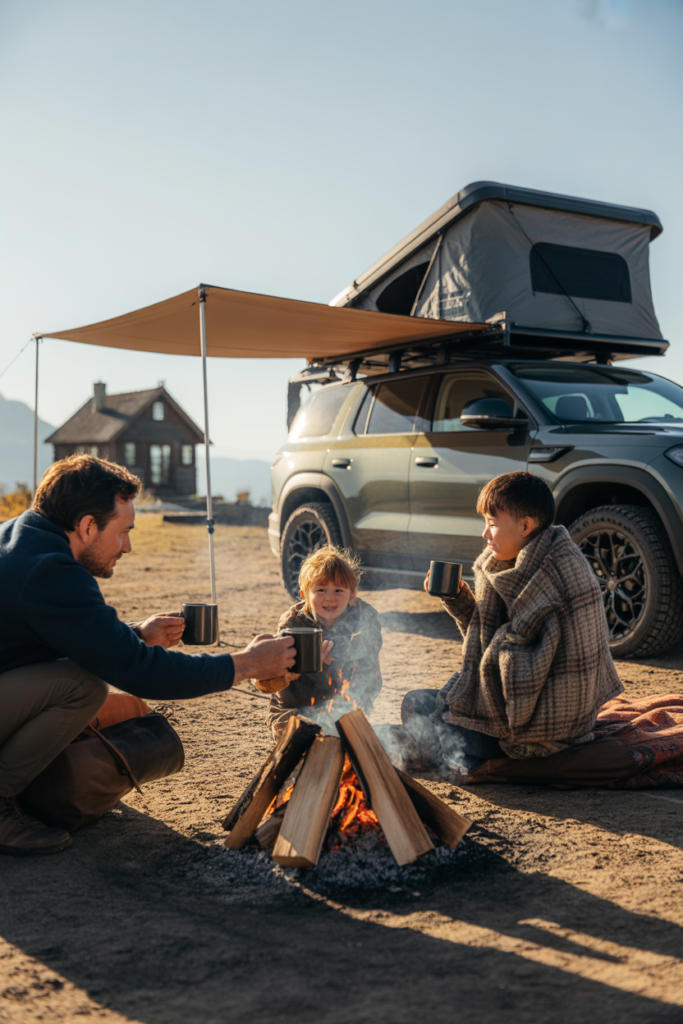
How to Solve Noise and Privacy Issues: Layout Secrets for the Working Parent
When you are working from a campsite, the layout of your site is your first line of defense against distraction. Most people look for a level spot and call it a day, but if you’re balancing a 9-to-5, you need to look at the micro-environment.
The Psychology of the “Corner Lot”
In real estate, we love a corner lot for the privacy. In camping, it’s even more vital. When you are searching on platforms like Recreation.gov or individual campground maps, look for the “extremity” sites. These are the ones at the end of loops or cul-de-sacs. Why? Because you are eliminating 50% of the foot traffic.
On Google, people often search for “secluded campsites near me.” What they are actually looking for is a site that doesn’t have a “pass-through” trail. Many campgrounds have informal paths where kids or hikers cut through sites to get to the lake or the bathhouse. Look at the satellite view on Google Earth. If you see a clear path cutting across a site, skip it. You don’t want a stranger’s conversation drifting into your “office” while you’re trying to focus.
Strategic Orientation: Blocking the Noise
Noise is the #1 productivity killer. While we can’t control our neighbors, we can control our rig’s orientation.
- The “Living Side” Shield: Most RVs and vans have the main door and awning on the passenger side. Position your vehicle so your “living and working area” faces away from the road or the busiest neighbor.
- Natural Sound Dampeners: Search for sites with “Natural Screening.” This is a technical term for bushes, trees, or boulders between sites. These aren’t just for looks—they act as acoustic buffers.
Privacy as a Professional Boundary
When you’re working outside, you are vulnerable to the “social camper.” You know the type—the friendly neighbor who wants to chat for 20 minutes while you’re clearly typing. Having a site with a clear physical boundary (like a line of trees or a shift in elevation) signals to others that this is a private space. I always teach my students: Visual privacy leads to mental focus.
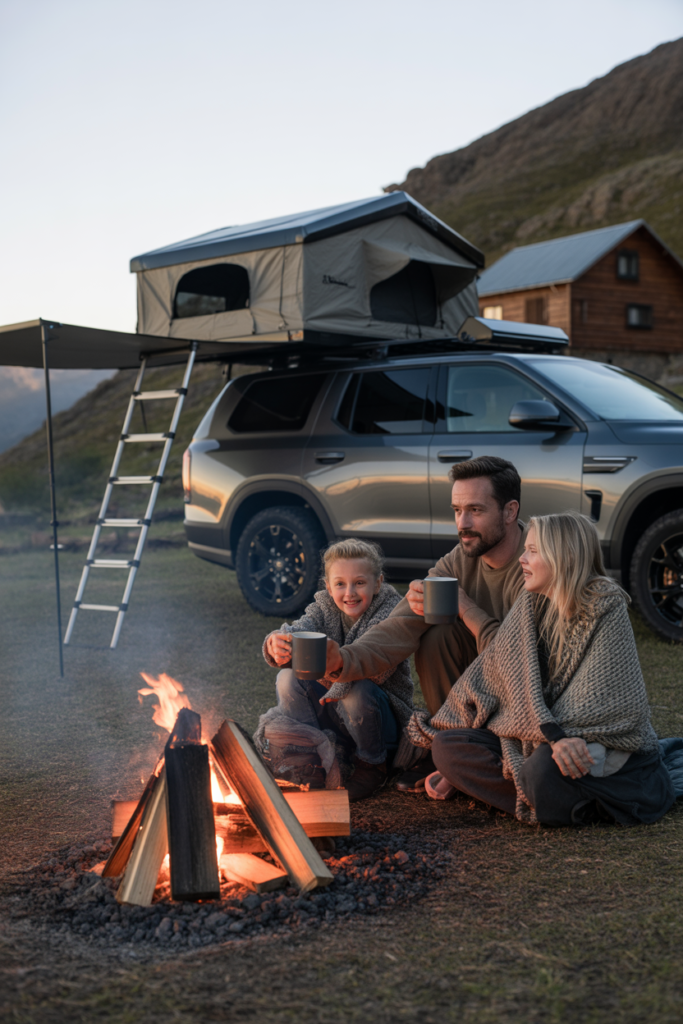
Solving the Digital Nomad Infrastructure: Reliable Signal and Power Considerations
You can have the most beautiful view in the world, but if your bars are at “Searching…”, you aren’t working; you’re just camping. Solving the “connectivity puzzle” is the most searched-for topic in the remote work community.
The Truth About Campground Wi-Fi
Let’s get this out of the way: Never rely on “Free Campground Wi-Fi.” It is rarely managed for the bandwidth required for modern video conferencing. Instead, you need to build your own “Tech Stack.”
- Cellular Redundancy: I recommend having at least two different carriers (e.g., Verizon and AT&T). If one tower is congested, the other might be clear.
- The Power of Starlink: If you are searching for “how to work from remote National Forests,” Starlink is the game-changer. However, it requires a “Clear North View.” When booking, look for sites labeled “partial sun” or “no shade.” While we love shade for temperature control, the “Clear Sky” is the priority for the remote worker.
Amperage and the “Working Load”
Most families don’t realize how much power a “mobile office” actually draws. Between the Starlink dish, two laptops, a secondary monitor, and the inevitable coffee maker, you are pulling significant juice.
- 30-Amp vs. 50-Amp: If you are working during a heatwave and need the A/C to stay focused, a 30-amp site will likely trip if you try to run the microwave or a hair dryer simultaneously. Search specifically for 50-Amp sites to give yourself the “power overhead” needed for a stress-free workday.
- The Battery Buffer: For the boondockers, I suggest a lithium battery bank (LiFePO4) paired with a high-quality inverter. This ensures that even if the sun goes behind a cloud, your laptop doesn’t die in the middle of a presentation.
Signal Testing Before You Unpack
Don’t wait until Monday morning to test your speed. Use apps like Speedtest by Ookla immediately upon arrival. If the upload speed is below 5Mbps, you may need to deploy a cellular booster (like a WeBoost) or move the rig slightly to clear an obstruction.
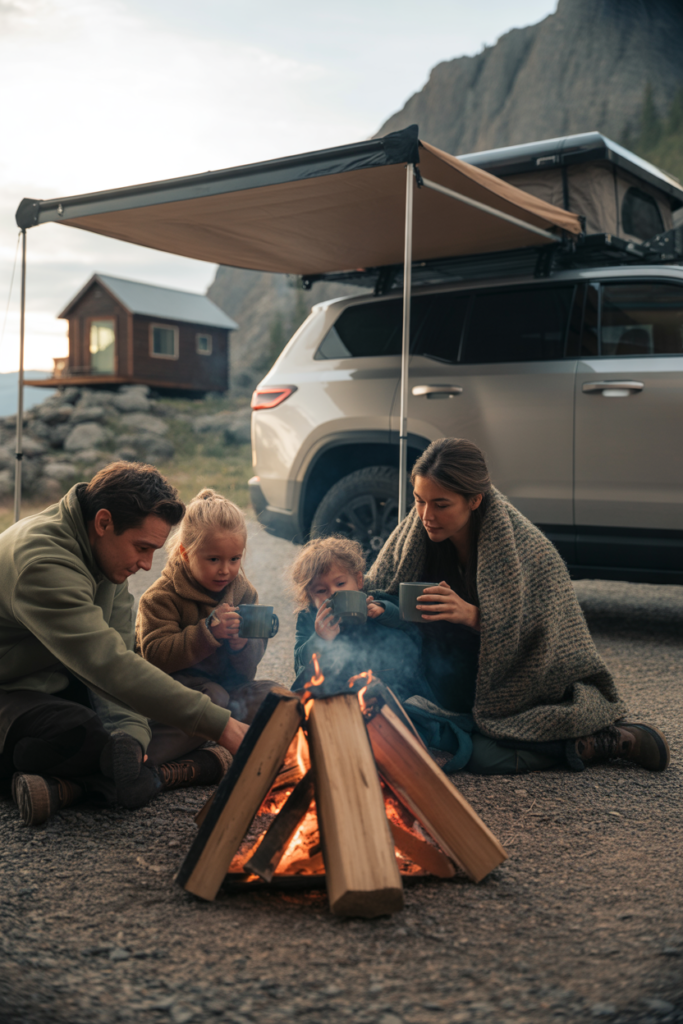
Safety First: Selecting Kid-Friendly Features That Support Your Workday Flow
The biggest challenge for remote-working parents is “The Guilt.” You want your kids to play, but you have to work. The solution is finding a campsite that acts as a “natural container.”
The “Line of Sight” Requirement
This is a non-negotiable for me. When you are looking at campsite photos, ask yourself: “Can I see the entire play area from the picnic table?” If the site has a steep drop-off, a thick thicket of briars, or is hidden behind the rig, you will be constantly getting up to check on the kids. You want a site that is wide and level. This allows the kids to have their “zone” (the rug, the dirt pile, the hammocks) within your peripheral vision.
Traffic and Proximity to Hazards
Problems often include “safe camping with toddlers.” When working, you cannot be a full-time “crossing guard.”
- Avoid the Main Artery: Stay away from the entrance road where people are frustrated and driving too fast.
- The Cul-de-Sac Advantage: Again, the cul-de-sac is king. It creates a “natural playground” where traffic is forced to slow down.
- Water Features: While a “waterfront site” sounds dreamy, it is a high-anxiety environment for a working parent with small children. Unless there is a fence or a significant distance, save the waterfront sites for when the kids are older.
Creating “Engagement Zones”
To get a solid 2-hour “Deep work” block, you need to set your kids up for success
- The Hammock Hookup: Look for sites with sturdy, well-spaced trees. A hammock can keep a child occupied with books or toys for hours.
- The “Nature Table”: Choose a site with a large, clean picnic table. One half is your office; the other half is their “Science Lab” for sorting rocks and leaves they find around the site.
TIP:
To wrap this up, remember that a livable campsite for a remote-working family is about predictability. You are looking to remove variables.
- Research (Thursday): Use Google Earth and Cell Mapper to verify the site.
- Arrival (Friday/Saturday): Test the signal and power immediately.
- Setup (Sunday): Establish the “Work Zone” vs. the “Play Zone.”
By being intentional about your site selection, you aren’t just “camping”—you are designing a life that allows for both professional success and family adventure.